

Your last post is months old, and every day you wait makes the next one feel like it has to count for more. That pressure is why a quiet feed stays quiet. If you want to restart social media after a break, make one small, finished graphic and publish it. Everything else in this plan is built around that one piece of work.
Why coming back feels harder than it should
A feed that has been quiet for a few months creates a few specific problems, and naming them makes them easier to handle.
- Guilt. You feel you owe your followers an explanation, so you put off posting until you have a good one.
- A blank page with a high bar. After a break, the first post seems like it has to make up for the gap, so you aim for something far bigger than your usual output.
- Lost routine. Posting used to follow a rhythm. Without one, every decision (what to say, which image, which day) is made fresh, and that is tiring.
- Out-of-date templates and files. Your old graphics may use colors, fonts or layouts you have since changed, so you are unsure where to start.
None of these problems is about your ability. They are about decision load. The fix is to cut the number of decisions between you and a published post, which is why the plan below starts so small.
Skip the apology post and pick one small goal
Most followers did not track your silence the way you did. A long “sorry I’ve been away” post puts the gap at the center of your comeback and asks people to respond to it. A normal post tells them you are active again, and that is the message you want to send.
If something real changed while you were away, such as new hours, a new service, or a new location, say that plainly in one sentence inside a regular post. Otherwise, just post.
Then choose one small goal for the restart. Good small goals are specific and finishable this week:
- Publish one finished graphic.
- Publish three posts over seven days.
- Update your profile image and bio, then post once.
Pick one. A goal like “get my social media back on track” cannot be finished, so you can never tell whether you met it. A goal like “publish one graphic by Thursday” is checkable, and checking it off is what rebuilds the habit.
Make one graphic you can finish in under an hour
The first graphic has one job: to get published. It does not need to be your best design. Keeping it small is what makes it possible to finish in an hour.
Here is a way to keep the work contained:

- Choose one message. Pick a single thing your audience would find useful or interesting: a service you offer, an answer to a question customers often ask, or a simple “we’re here and taking bookings.” One message per graphic.
- Start from a template or a past design. Open a layout you have used before and change the text. Rebuilding from nothing is where the hour disappears.
- Limit your choices. Use two colors, one or two fonts, and one image or icon. Decide these before you open the design tool, using your existing brand colors if you have them.
- Write the headline first. Keep it short enough to read at a glance on a phone. If it takes more than about a line or two to say, the message is probably two messages.
- Check it on a phone screen. Most people will see it there. If you cannot read the text at arm’s length, make it bigger or cut words.
- Export and stop. Set a timer. When it runs out, export the best version you have. A finished graphic you can post beats an unfinished one you keep adjusting.
If you want a fuller process for later, the post on the social media graphic design workflow, from idea to scroll-stopper covers how to go from concept to finished design. For this first one, the six steps above are enough.
Fix one thing on your page while you are there
Once the graphic is ready, spend ten or fifteen minutes on your profile before you post. Someone who likes the new post will click through to see who you are, and an outdated profile wastes that visit.
Choose one item from this list, not all of them:
- Profile picture. Make sure it is your current logo or a clear photo, and that it is readable at small sizes.
- Bio or About text. Check that it says what you do and who you do it for, in plain language.
- Contact details and link. Confirm the website link, phone number, email, and opening hours are correct.
- Pinned or featured post. If you have a pinned post, make sure it doesn’t announce something that has already passed.
Fixing one item is enough. A page with one corrected detail and a fresh post looks active. A page you spent a week rebuilding before posting anything still looks quiet from the outside.
A light first week of posts that does not burn you out
After the first graphic is live, build a short week around it. The aim is to prove to yourself that posting fits into your schedule again, so keep the workload low.
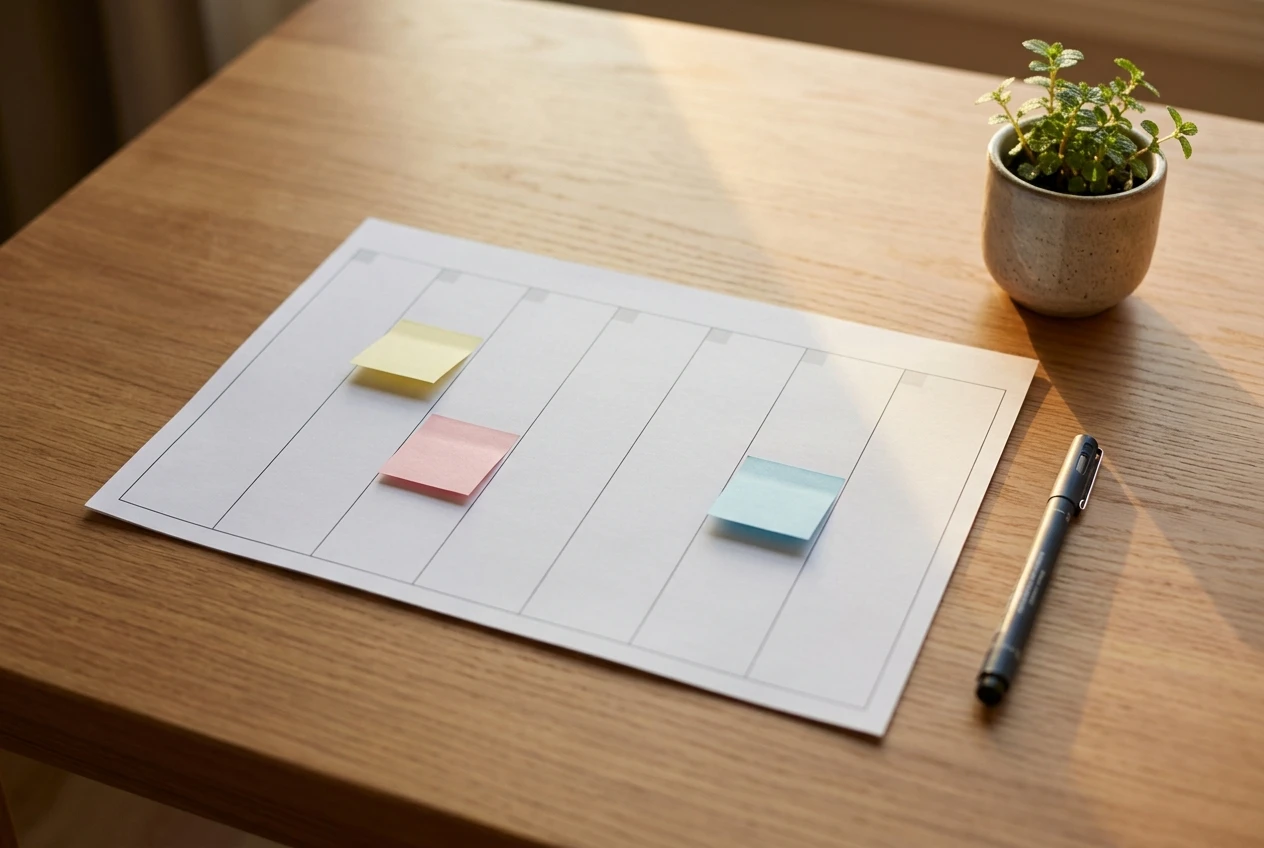
Here is a simple structure for seven days:
- Day 1: the finished graphic. This is your comeback post, published with a short, plain caption.
- Day 2: reply and engage. Answer comments and messages, and spend ten minutes liking or commenting on posts from customers, neighbors or businesses you know. No new content is needed.
- Day 3: a reuse. Make a second version of your graphic with a different line of text or a different crop. Changing a headline on the same layout takes a few minutes.
- Day 4: rest. Skip posting.
- Day 5: a simple human post. Share a photo of your workspace, a finished job or a product, with two sentences of caption.
- Days 6 and 7: rest or schedule ahead. If you have energy, draft next week’s graphic. If not, leave it.
That is three posts a week, with only one requiring new design work. If you cannot manage three, publish two. The right number is the one you can repeat next week.
Scheduling tools built into most platforms let you queue posts in advance, so you can sit down once and have the week covered. Use one if it removes a daily decision, and skip it if it adds another thing to manage.
How to keep the momentum once the first post is live
The first post matters mostly because it breaks the pause. The next few weeks decide whether posting becomes routine again.
Repeat the same small cycle. Next week, make one graphic in under an hour again. A repeatable process is more useful than one burst of ambitious work followed by another gap.
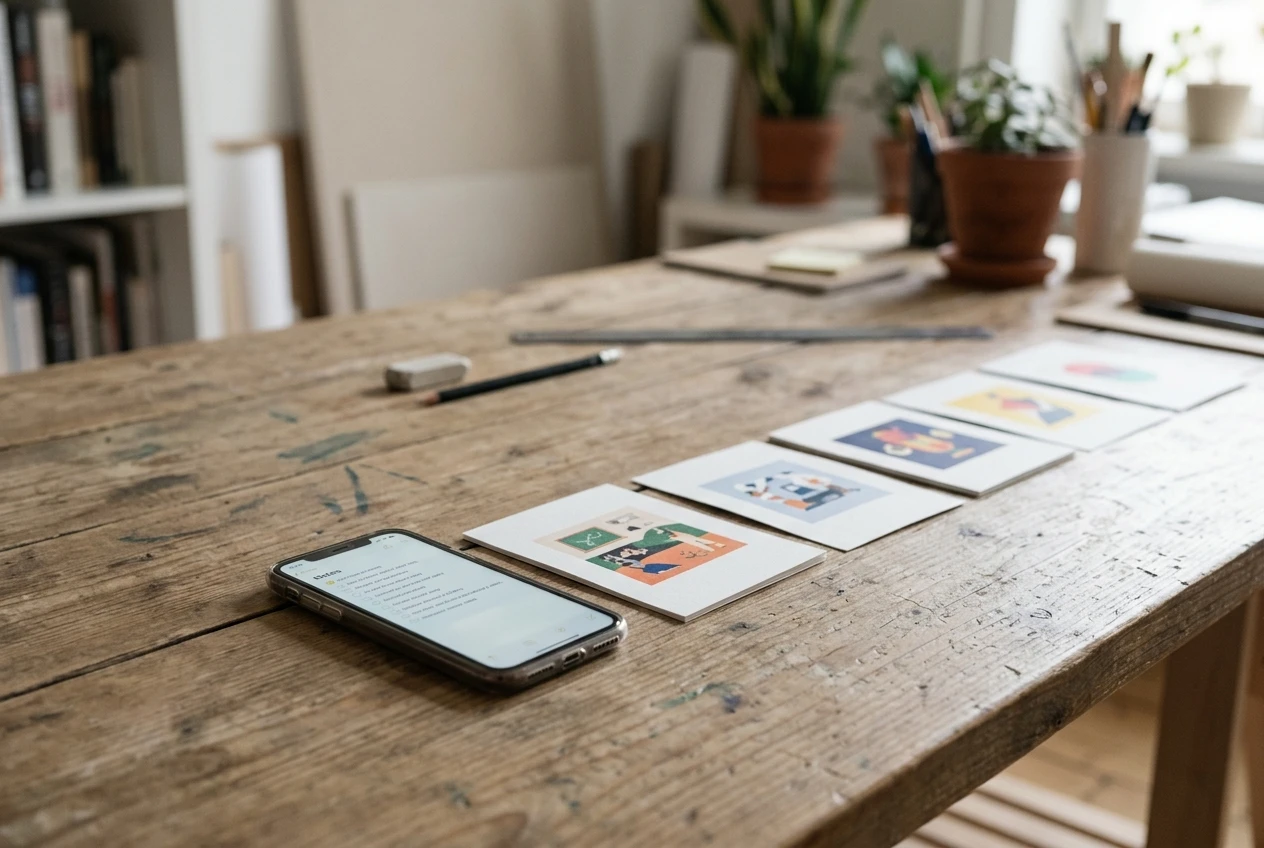
Keep a running list of ideas. When a customer asks a question, or you finish a job, add a line to a note on your phone. Next week’s message is already on the list, so you don’t start from a blank page.
Save what you made. Keep each finished graphic as an editable file in a named folder. Start your next design from the last one so your style stays consistent without extra effort.
Look at one thing, once a week. Check which post got the most comments, saves, or clicks, and make the next one similar. Skip the full analytics review for now.
Set a minimum you can always meet. Decide on the smallest amount of posting you will do in a bad week, such as one post, and treat anything above that as a bonus. This is the same idea behind the post on consistency beating perfection on social media, and it matters most in the weeks right after a restart, when motivation is uneven.
You can pick up a quiet feed again with one graphic, one corrected detail on your page, and a week that asks little of you.
Share your restart
What are you restarting right now? It might be a social feed, a blog, a website, or something else entirely. Tell us in the comments what it is and what your one small first goal is, so you have it written down and someone to check in with.