Most business pages on Facebook look alike: a stock photo of a handshake, a laptop on a tidy desk, a caption that could belong to anyone. A daft idea with a matching picture gives people a reason to stop scrolling and shows a real person running the page. This guide covers how to create Facebook post images with AI when you have a silly thought and no design experience.
Why a bit of fun beats another polished stock-photo post
Stock photos are made to suit every business, so they say nothing about yours. A joke that only makes sense in your trade, or an odd image that fits it, belongs to you. People remember it and are more likely to comment.
You do not need to be a comedian. A small, friendly joke that makes someone smile is enough, and AI image tools mean you no longer need drawing skills to put that joke on screen.
Catch the idea first
Ideas disappear if you wait for a “creative session”. Keep a notes app open on your phone and drop anything that made you smile into it. Good sources include:
- Something a customer said that made you laugh (with their permission, if it is personal)
- A small annoyance everyone in your trade recognizes
- A “what if” question, such as what if your product could talk
- A season, holiday or weather complaint your audience shares
- A pun on a word you use every day
Most of these will be rubbish, and that is fine. You only need one that makes you grin.
Write the caption before you touch the image
The caption carries the joke and the image supports it. Write one or two sentences first: a setup, then the twist. Read it aloud. If it makes you smile, it is ready.
Starting with the words also makes the prompt easier. You already know what the picture needs to show, so you are not hoping the tool invents something funny for you.
Prompting an AI image that matches the joke
A prompt that names only the topic gives you a generic picture of the topic. A prompt that describes the joke gives you a picture that fits the caption. Cover five things:
- The subject (who or what is in the picture)
- What they are doing
- The setting
- The style, such as cartoon, flat illustration, or bright photo
- The mood
For example, “a cat in a hard hat solemnly inspecting a freshly painted wall, cartoon style, bright colors, plain background with empty space at the top” is far more useful than “decorating tips”. Asking for empty space leaves room for text later.
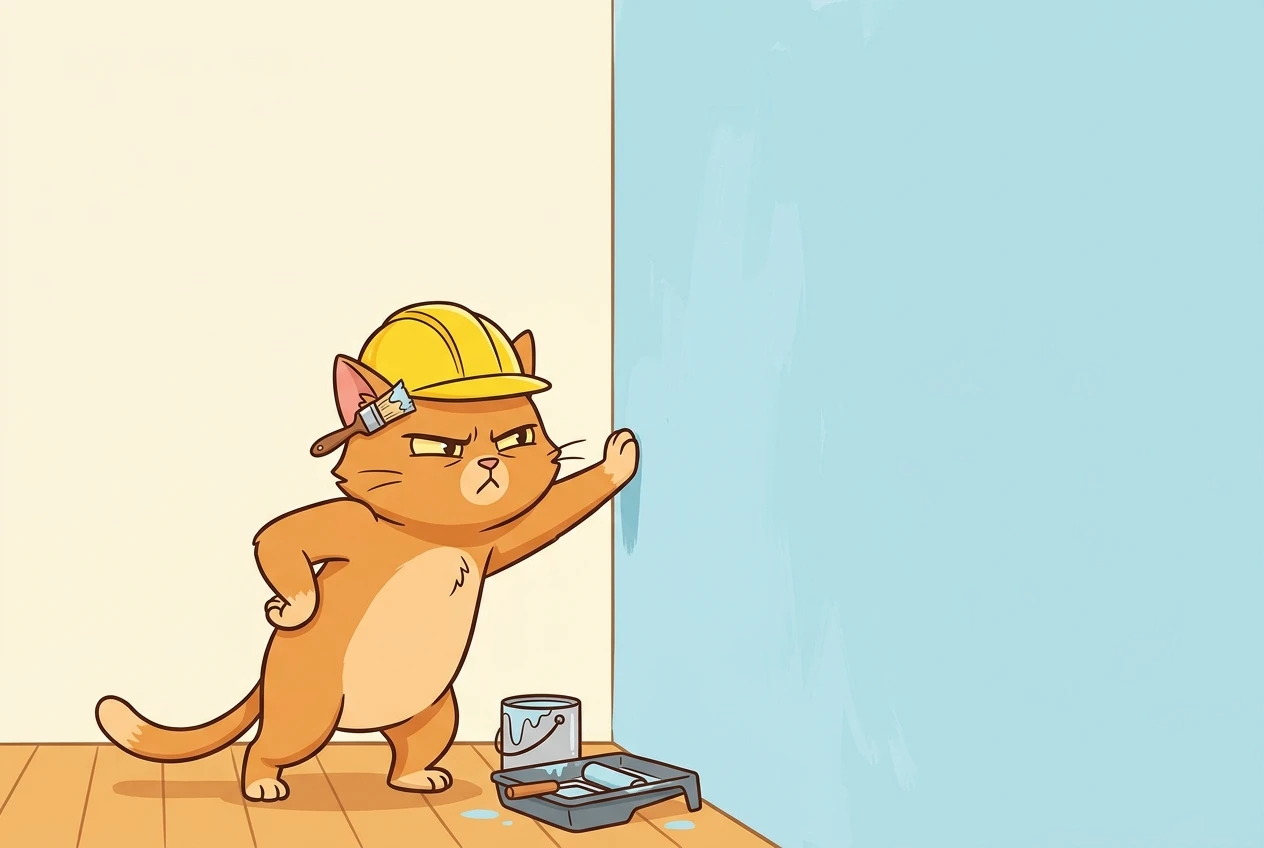
Generate several versions and pick the one that reads fastest. If a picture needs explaining, the joke is not landing, so adjust the prompt and try again.
Keeping the silliness on-brand
A funny post still has to look like it came from your page. Choose 2 or 3 brand colors and 1 or 2 fonts, and use them every time. Put your logo in the same corner on each post. Add the same style phrase to every prompt, such as “flat illustration, soft blue and yellow palette”, so the images look related.
Once the look is consistent, regulars will recognize your posts before they read the name. If you want a reminder of what undermines that, the post on design mistakes that kill social media engagement covers the common ones.
Fixing the odd results
AI images go wrong in predictable ways, so check these before you post:
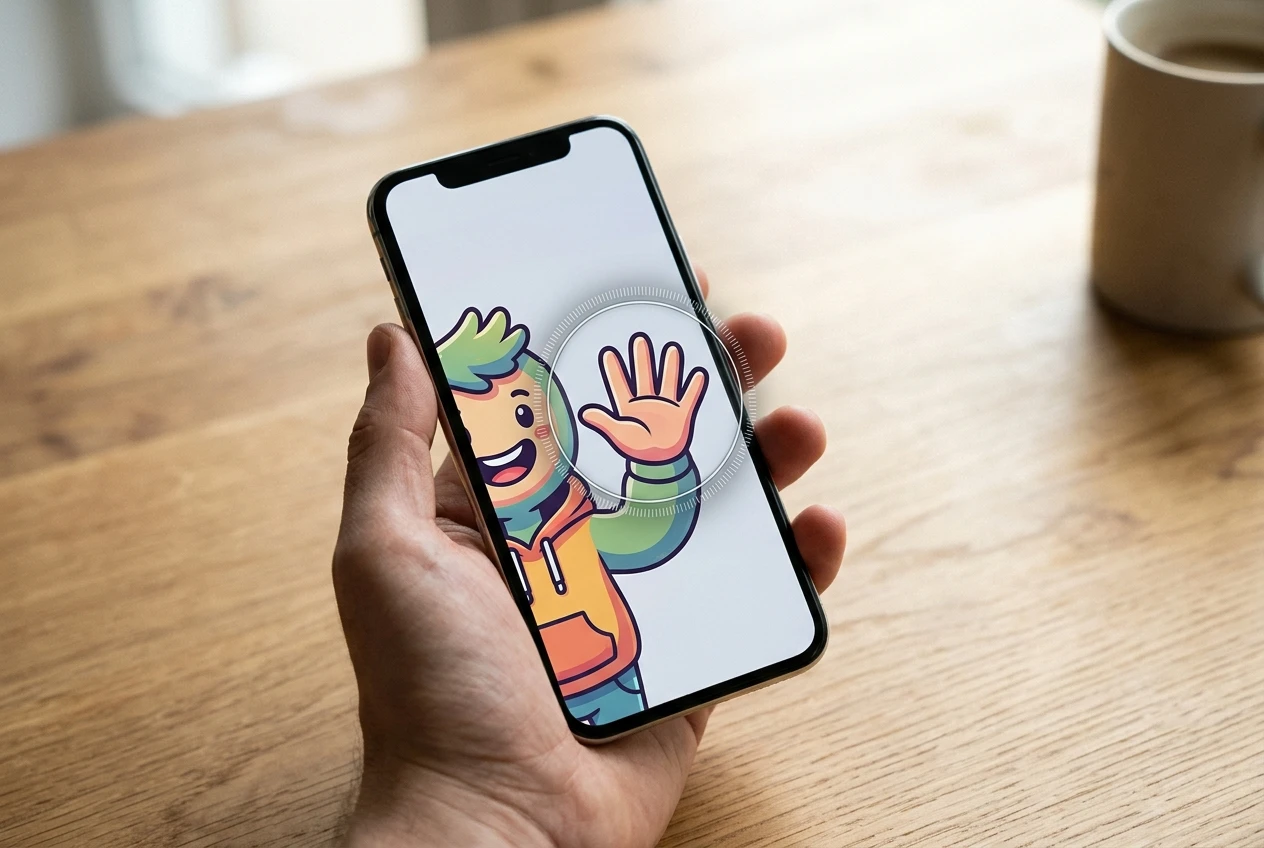
- Hands and faces: look for extra fingers, warped eyes, or limbs that do not connect.
- Lettering inside the image: AI often produces garbled words. Add your text yourself in a design tool instead.
- Odd objects: zoom in for tools, signs, or products that look wrong or do not exist.
- Lookalike logos: make sure nothing resembles another brand’s mark.
- Phone size: view the image at a small size. If you cannot tell what it shows at a glance, simplify it.
- Caption match: does the picture still deliver the joke you wrote?
If two or more of these fail, change the prompt rather than patching the picture. A fresh generation is usually quicker than fixing a bad one.
Turning one idea into a week of posts
One good idea can stretch across several posts without repeating itself. Try these angles:
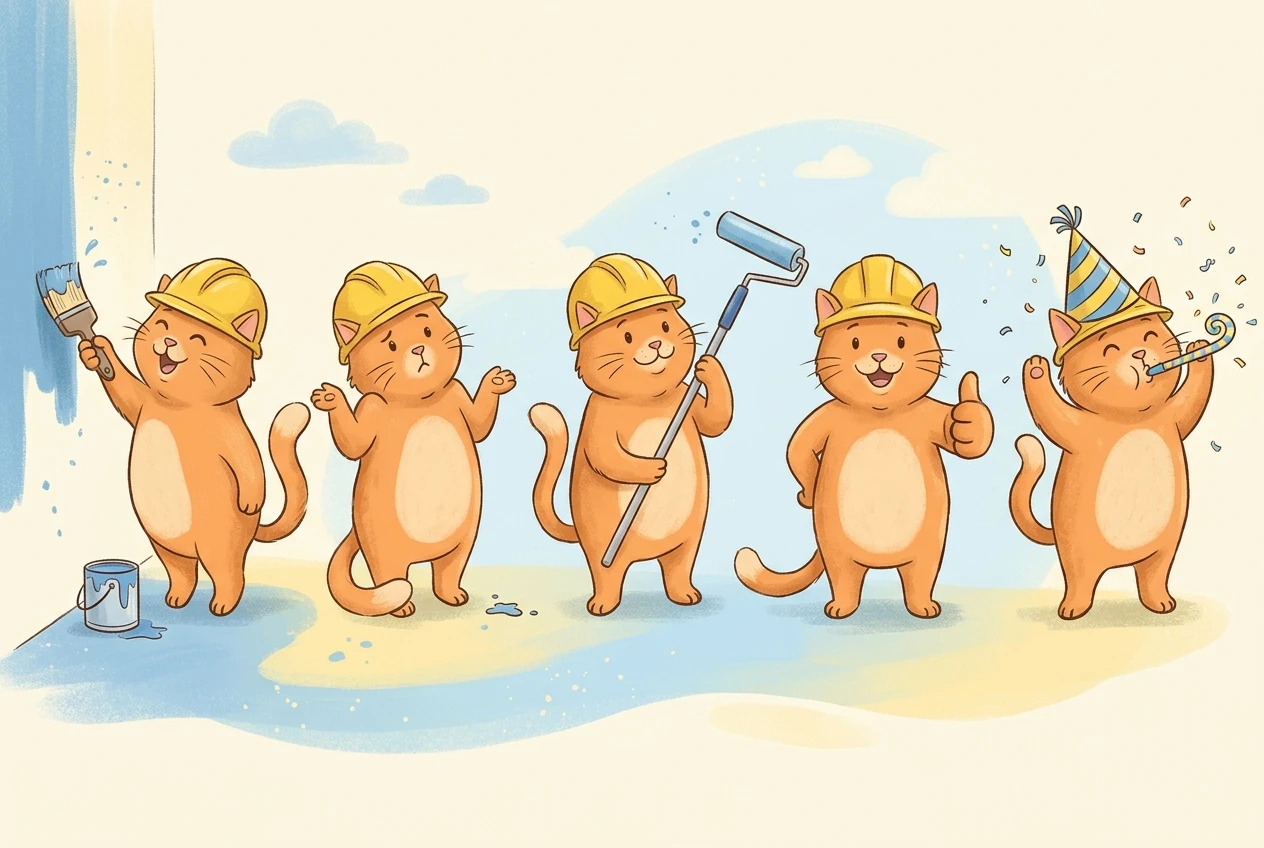
- The original joke
- A follow-up that continues it (“the cat is back, and has opinions”)
- A question that asks followers for their own version
- A plain, useful tip that uses the same character or style
- A “best reply” post that features the funniest comment
Reusing a character or visual style means you spend less time on prompts and the page looks more coherent. For a fuller process from first idea to finished post, the social media graphic design workflow walks through it step by step.
Share the daftest post idea you’ve had lately in the comments, and if you’d rather have someone turn it into a scroll-stopping graphic for your page, send a message and we’ll chat about it.