9 min read
If you’re wondering how to prepare to hire a social media manager, start with what only you can provide: account access, brand files, a clear description of what you sell, and a few decisions about budget and goals. From those, a manager or designer can build a strong plan. Without them, the first weeks go to hunting for a logo file or waiting on a password reset.
This list covers nine things to get ready before you sign anything. Most take under an hour each, and you can do them in any order.
Why prep work decides how fast your makeover moves
A social media makeover has two kinds of work. One is design and strategy: the look of your graphics, the topics you post about, the schedule. The other is logistics: finding logins, tracking down files, and waiting on answers.
Logistics eats the calendar when you haven’t prepared. Every day a manager waits for page access is a day nothing gets designed. Every unanswered question about your services is a day the captions sit unwritten.
Prepared owners also get better work. A manager who knows your goal, your customer, and the posts you can’t stand can aim the first draft close to the target. That means fewer revision rounds and a faster path to a feed you’re proud of.
Get your logins and page access in order
Start here, because access problems stall everything else. Make a list of every account a manager might touch:
- Your Facebook Business Page
- Instagram, if you use it
- Google Business Profile
- Your website’s admin area
- Any scheduling tool, email platform, or design account you already pay for
- The email address each account is registered under
Check two things for each one. First, confirm you hold admin-level control, because only an admin can add other people. Second, confirm the account sits under an email address you own and can still open. If a former employee or a past freelancer created your Page, sort that out now.
Don’t hand over your personal password. Facebook lets you give someone access to a Business Page through the Page’s own access settings, so a manager can work without logging in as you. You can remove that access later whenever you want. Any manager worth hiring will ask for access this way, and you should be wary of one who asks for your password.
Gather your logo, fonts, colors, and brand files
Designers need your raw materials, and the right file types make the difference between a quick start and a week of workarounds. Put everything in one shared folder with clear names.
Logo files. Look for a PNG with a transparent background and, if you have one, a vector version (usually SVG, AI, or EPS). Vector files scale to any size without going blurry. A logo you screenshotted from your website won’t hold up on a banner.
Fonts. Write down the names of the fonts you use on your website, signs, and printed materials. If you don’t know them, send a few examples of your existing materials and ask your manager to identify them.
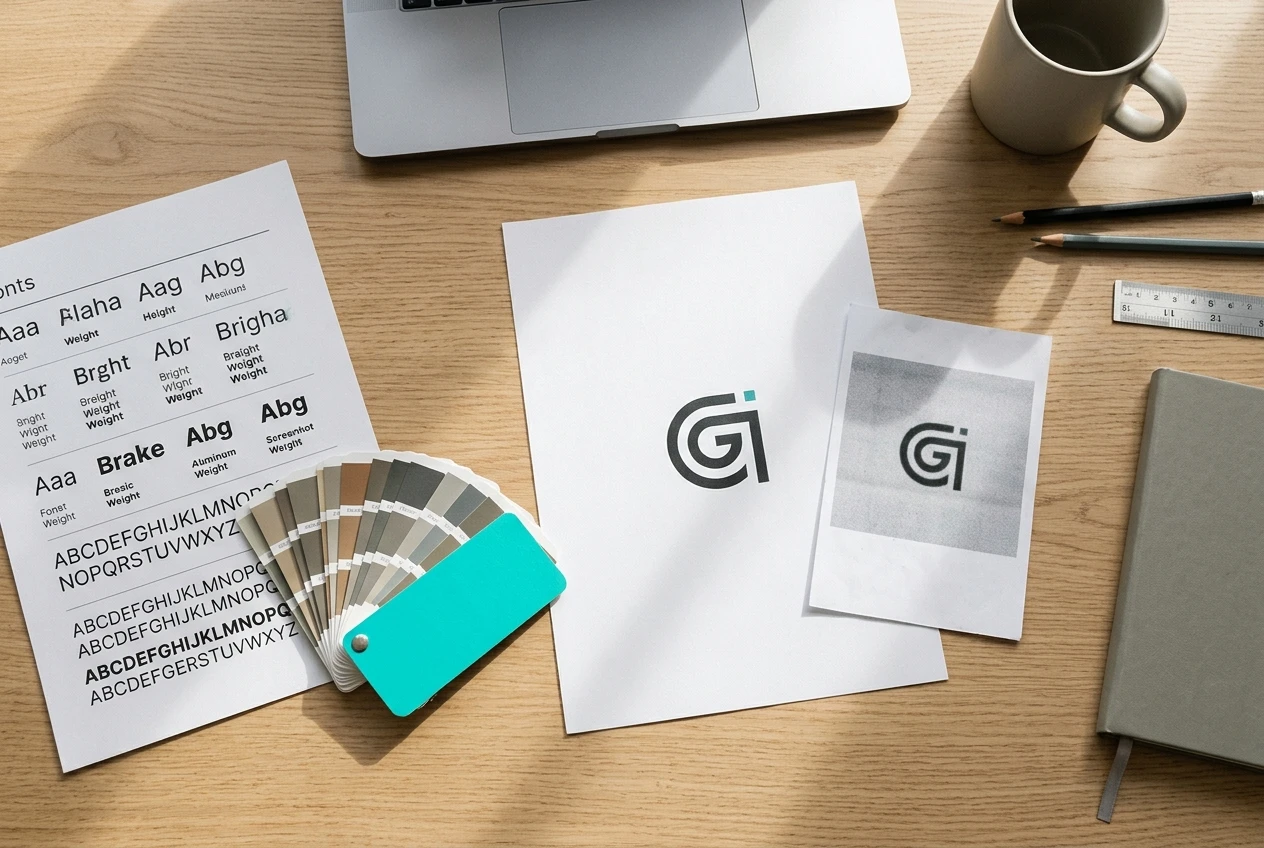
Colors. Brand colors are usually saved as hex codes, six characters like #1A2B3C. Your web developer, your printer, or your old design files may have them. If nobody does, a designer can pull them from your logo.
Photos and old graphics. Collect product photos, shots of your team or shop, and past social graphics you liked. Label the ones you’re allowed to use publicly.
If you don’t have some of these, say so up front. A missing brand guide isn’t a problem, and building a simple one can be part of the project. Delays happen when a manager discovers the gap three weeks in.
Write down what your business actually sells and to whom
A manager can’t write or design for your customers until they know who those customers are. Spend 20 minutes writing answers to these questions, in plain sentences:
- What are your top three products or services?
- Which one earns you the most, and which one do you most want to sell more of?
- Who buys from you? Think about age, location, and the problem they have when they find you.
- What questions do customers ask you most often?
- Why do people pick you over the other option in town or online?
Be specific. “We help busy families” tells a designer very little. “We deliver weekly meal kits to parents in two nearby towns who don’t have time to shop” tells them what to show, what to say, and where to run it.
Your answers also help you judge candidates. A good manager will ask these same questions, and you’ll be ready.
Pick one or two goals you can name in a sentence
“Grow my brand” can’t be measured, so nobody can tell whether it happened. A usable goal names an action you can count.
Here are a few examples of the form:
- Get more booking inquiries through Facebook messages each month.
- Send more people from your Page to your online shop.
- Build a following of local customers who recognize your business.
Choose one or two. Three or four goals pull the content in different directions, and the feed ends up trying to do everything at once. If you can’t decide, ask which result would make you say the money was well spent.
Write the goal in one sentence, then add a rough starting number if you know it, such as how many inquiries you get now. That gives you something to compare against later. If you don’t have the number, tell your manager that, and agree on a way to start tracking it.
Collect the posts you love, the posts you hate, and why
Words like “clean,” “bold,” or “friendly” mean different things to different people. Examples remove the guesswork.
Save five to ten posts from any account you like. They can come from competitors, businesses in other industries, or brands you follow for fun. Then save a few you dislike. Next to each, write one line on what caught your eye: the color, the layout, the tone of the caption, the photography.
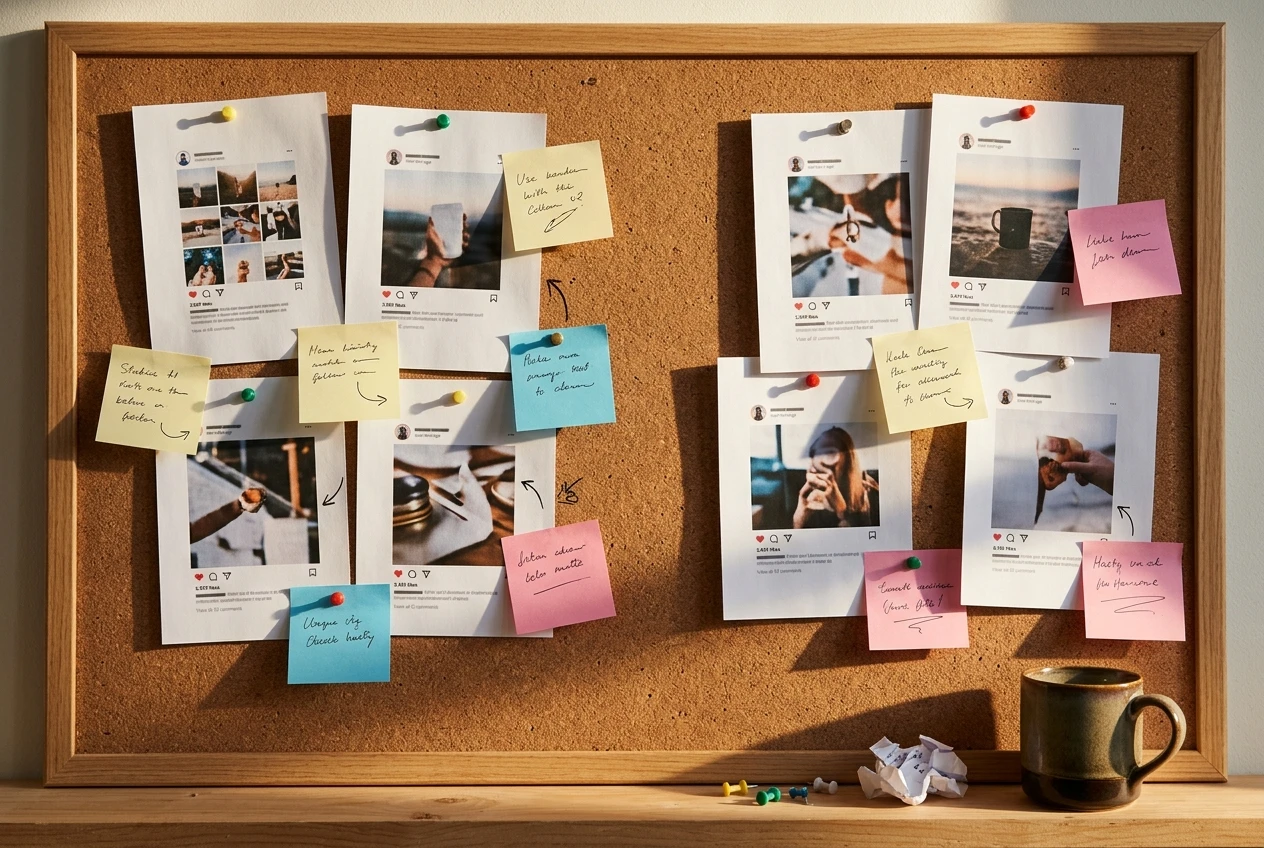
The “why” notes matter most. “I love this because it’s easy to read in two seconds” gives a designer a direction. A screenshot with no comment leaves them guessing.
Include a few posts from your own Page, good and bad. If your feed already looks scattered, the order of repairs matters, and how to fix a messy social media feed in four steps walks through it so you know what you’re asking for.
Decide your budget, your timeline, and who approves posts
These three decisions cause more friction mid-project than any design disagreement.
Budget. Decide what you can spend each month, and whether you want a one-time makeover, ongoing management, or both. A range works fine. A manager can only tell you what’s realistic if they know your number. Also decide whether ad spend counts as part of it, because ad budgets are usually separate from the manager’s fee.
Timeline. Pick the date you’d like to see the new look live, and note any fixed events such as a seasonal rush, a grand opening, or a sale. Work backward from those dates so your manager can plan around them.

Approvals. Name one person who signs off on posts, and decide how fast they’ll respond. If three people each review every graphic, a simple post can sit for a week. One approver and a 24- to 48-hour response window keep the schedule moving. If you’re the approver, block time in your calendar for it.
List the questions to ask any manager before you sign
Prepared owners ask better questions, and the answers show you how a manager works. Bring this list to every conversation:
- What exactly is included each month: number of posts, graphics, captions, replies to comments?
- Who owns the designs and files if we stop working together?
- How will you access my accounts, and how do I remove that access later?
- How many revision rounds are included?
- How and when will you report results, and which numbers will you show me?
- How will we communicate, and how quickly do you reply?
- What’s the contract length, and how do I cancel?
- Can I see work you’ve done for a business similar to mine?
- What do you need from me in the first two weeks?
Pay attention to how clearly each answer comes back. Vague answers about ownership, cancellation, or reporting are worth a follow-up question before you commit.
Your one-page prep checklist to print or save
Copy this into a document, print it, and check items off as you go.
Access
- I’m an admin on my Facebook Page
- I’ve listed every account and the email it’s registered under
- I know how to give access without sharing my password
Brand files
- Logo as a transparent PNG and, if available, a vector file
- Font names written down
- Hex codes for brand colors
- Photos and past graphics in one shared folder
Business basics
- Top three products or services listed
- Ideal customer described in two or three sentences
- Common customer questions written down
Goals
- One or two goals, each in a single sentence
- A starting number, if I have one
Inspiration
- Five to ten posts I love, with a note on why
- A few posts I dislike, with a note on why
Decisions
- Monthly budget range
- Target launch date
- One named approver and a response window
Questions
- My list of questions ready for each manager I talk to
If you’d like a hand with any item on this list, message me. I’m happy to look at your page and tell you where I’d start.