Content creator, image creator, copywriter, and content designer are four titles that get used loosely, and the same person often holds all of them. They are still four different jobs. If you run a business page or hire someone to run it, knowing which job is which tells you what to ask for, what to check, and where a weak post went wrong.
This article defines each role in the context of social media graphics, shows where they overlap, and explains how they combine in a single post.
What a content creator does
A content creator decides what gets posted and why. The job covers the idea, the format (single image, carousel, short video, text post), the topic, and the angle that makes the post relevant to a particular audience.
The content creator also thinks about the page as a whole. One good post matters less than a run of posts that each give the reader a reason to follow the page. That means choosing a mix of topics, tips, offers, behind-the-scenes shots, questions for the audience, and announcements, and spacing them out so the feed doesn’t repeat itself.

When a page feels random, with no clear subject and posts that seem unrelated, the content creator’s work is usually the missing piece. The graphics may look fine individually, but nobody decided what the page was for.
What an image creator does
An image creator produces the visual itself. That might be a photograph, an illustration, a composite, or an image generated with an AI tool. The job is to make the raw picture: the subject, the composition, the lighting, the style.
This is different from design. An image creator can make a striking picture of a freshly plastered wall or a cartoon character holding a coffee, and the result still has no headline, no logo, and no space reserved for text. It is an ingredient rather than a finished post.

AI image tools have made this role much more accessible, because anyone can now describe a picture and get a result. The skill moves from drawing or photographing to describing: knowing which words produce a usable composition, spotting the odd details a generated image often contains, and rejecting weak results. To see that process in action, the walkthrough on creating Facebook post images with AI shows an idea becoming a finished image.
What a copywriter does
A copywriter writes the words that persuade or inform. On social media, that includes the headline on the graphic, the caption underneath, the call to action, and sometimes the text of a reply or a comment prompt.
The constraints are tight. A headline on a graphic often has only a handful of words because anything longer becomes too small to read on a phone. A caption has to earn attention in its first line, since most platforms cut off the rest behind a “see more” link.
Good copy does three practical things:
- States what the post is about in plain terms
- Gives the reader one clear next action, such as visit, message, comment, or save
- Sounds like the business, not like a template
A copywriter also catches problems that designers and image makers miss: a claim the business cannot back up, a discount with no end date, a phone number with a typo.
What a content designer does
A content designer assembles the pieces into a finished, readable graphic. They take the image, headline, logo, and brand colors and arrange them so the post works at the small size most people see it.
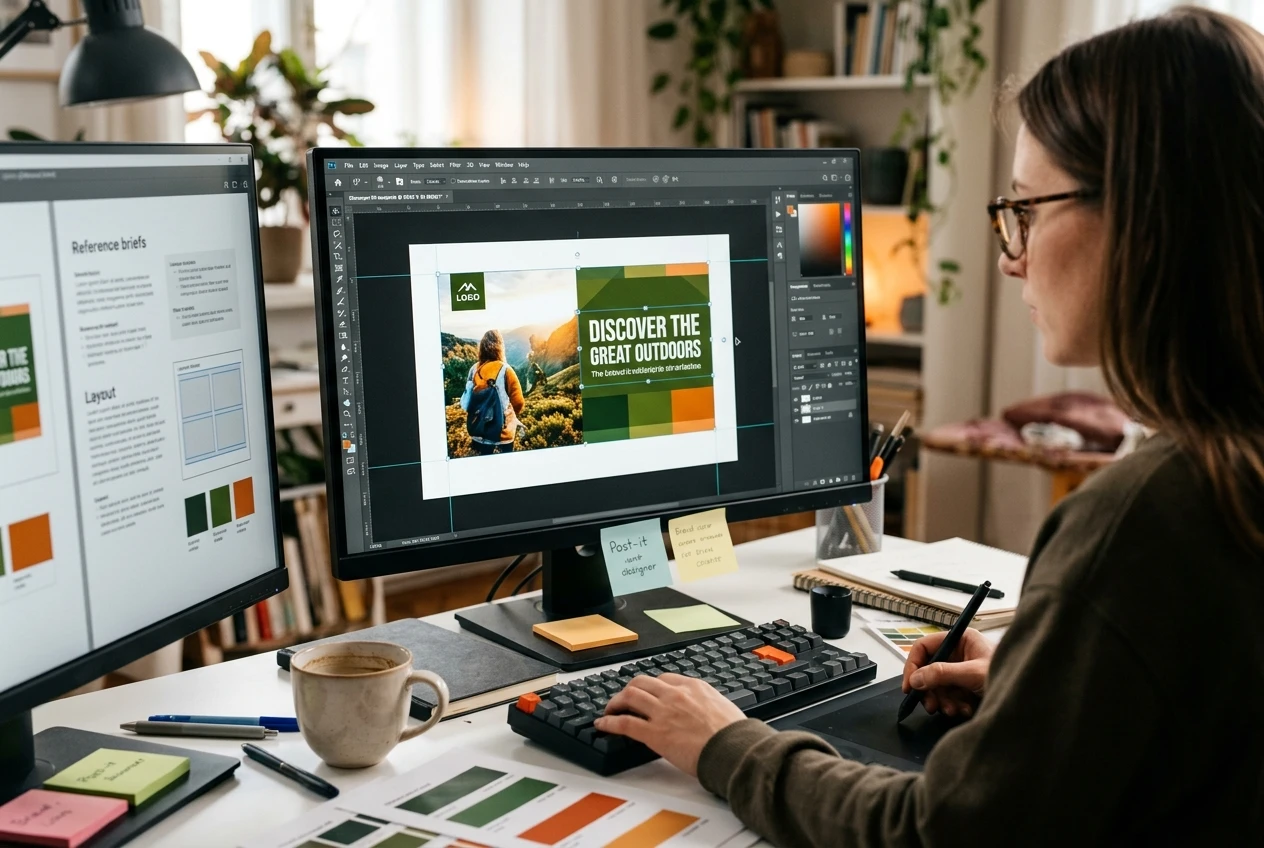
The decisions are specific. Which element does the eye reach first? Is the text large enough, and does it contrast enough with the background? Is there enough empty space around the logo? Does the post match the fonts and colors of the previous ten posts, so a visitor recognizes the page at a glance?
The content designer also handles the technical side: canvas sizes for each platform, safe margins so the interface doesn’t crop anything, and export settings that keep the image sharp. Common mistakes in this area are covered in design mistakes that hurt social media engagement, and most of them come down to this role being skipped or rushed.
Where the roles overlap
The boundaries are not clean. A content creator often drafts a rough headline. A designer often adjusts copy because the words do not fit the layout. An image creator using AI tools has to think about where the text will sit before generating the image, which is a design decision.
Overlaps help when everyone knows who has the final say on each element. They cause trouble when two people each assume the other is checking something. Typos are the classic example: the copywriter assumes the designer proofreads the final graphic, the designer assumes the copy was already approved, and the post goes out with a misspelled word.
A simple way to settle this is to name one owner for each of these:
- The idea and topic (content creator)
- The picture (image creator)
- The wording, including a final proofread of the exported graphic (copywriter)
- The layout and brand match (content designer)
How the four roles fit into one post
A content designer assembles the pieces into a finished, readable graphic. They take the image, headline, logo, and brand colors and arrange them so the post works at the small size most people see it.

The content creator picks the topic: a short tip about preparing a wall before painting. They choose a single-image format because it suits a quick tip, and they schedule it between an offer post and a customer question.
The image creator then produces or sources a picture that clearly shows the subject. Because the graphic needs a headline, they leave a calm area of the image for text.
The copywriter writes a headline of five or six words and a caption that opens with the most useful line of the tip. They add one call to action at the end.
Finally, the content designer places the headline over the image, checks contrast, adds the logo in its usual position, and exports the file at the right size. The finished post goes through one last review of the exported image before scheduling.
This social media graphic design workflow lays out the full sequence, from first idea to published graphic.
When one person covers all four
Small businesses and solo designers usually combine the roles. One person plans the content, creates or generates the image, writes the copy, and lays out the graphic. This can work well, because there are no handoffs and the finished post has a single consistent voice.
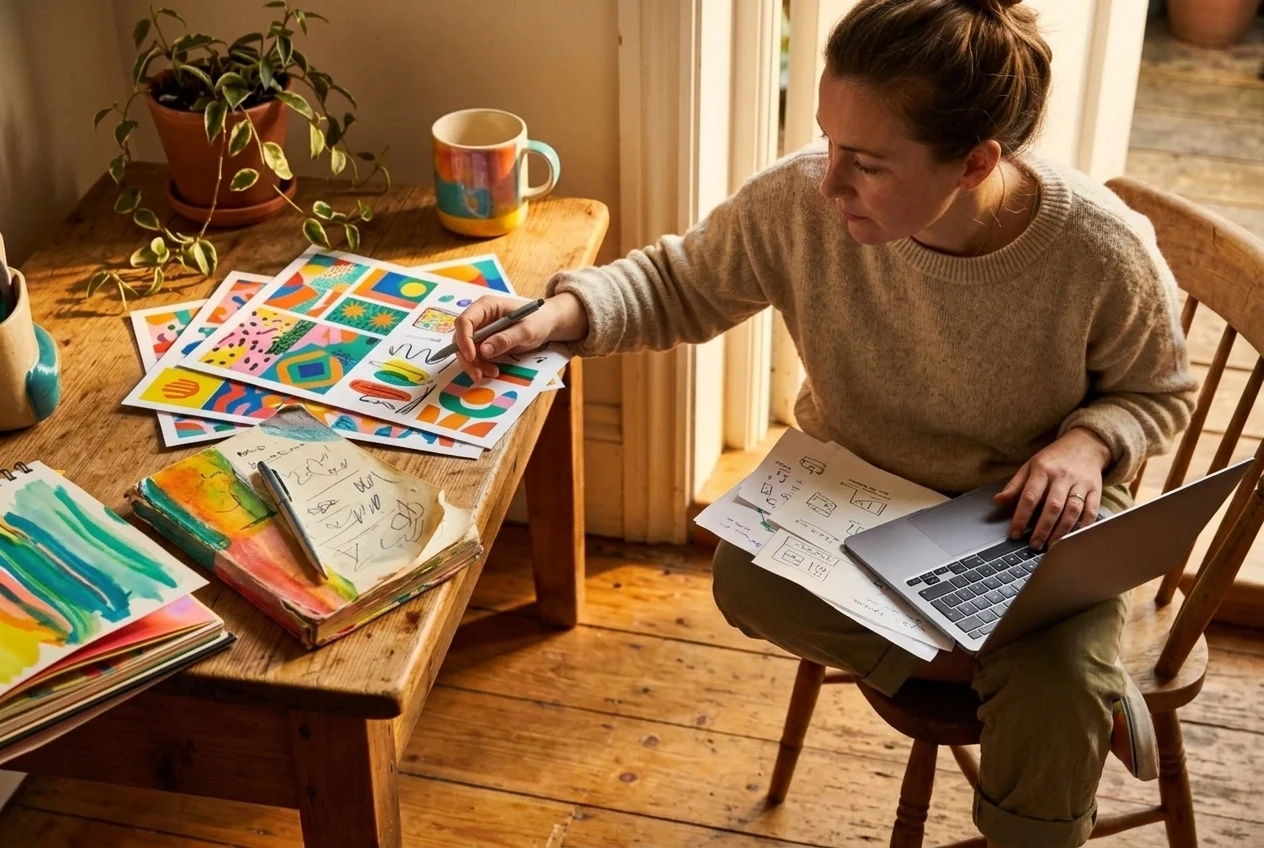
The risk is that one person is checking their own work. The writer of a headline is the worst person to spot its typo, because they read what they meant instead of what is on the screen. If you cover all four roles yourself, leave time between finishing a graphic and publishing it, and read the exported image rather than the editing file.
There is also a practical benefit to having a designer who manages the page as well as making the graphics. The person who sees how posts perform can adjust the next ones. That argument is explained in more detail in “Why Your Business Needs a Designer Who Can Also Manage Social Media.”
How to brief each role
Whether you are hiring out or planning your own work, each role needs different information.
For the content creator: your audience, your goals for the page (more inquiries, more followers, more sales), and the topics you want to avoid. Without this, the content will be generic.
For the image creator: the subject, the mood, any style you already use, and what must not appear. If you use AI tools, a written description with the subject, setting, style, and color direction produces better first results than a short phrase.
For the copywriter: the one action you want readers to take, your business tone, and any facts that must be exact, such as prices, opening hours, contact details, and dates.
For the content designer: your logo files, brand colors, fonts, and a few past posts you like. Also give the platform and format, because a square feed post and a vertical story need different layouts.
Which role to strengthen first
If your posts get little response, check the roles in this order. Start with content: is the topic something your audience wants? If so, look at the copy: does the headline say something clear? Then look at the design: can the post be read quickly on a phone? Check the image last, because a plain image with strong copy and clean layout usually outperforms a beautiful image with no message.
Regular posting also counts. A page with average graphics that appears every week tends to build more familiarity than a page with excellent graphics that appears once a month, which is the point made in consistency beats perfection on social media. Getting all four roles working at a steady pace, even at a modest standard, is a better target than polishing one of them.